Business dashboards
Live numbers that help you decide.
Custom Web Applications
Dashboards, admin panels and customer portals built around your work, not the other way round.
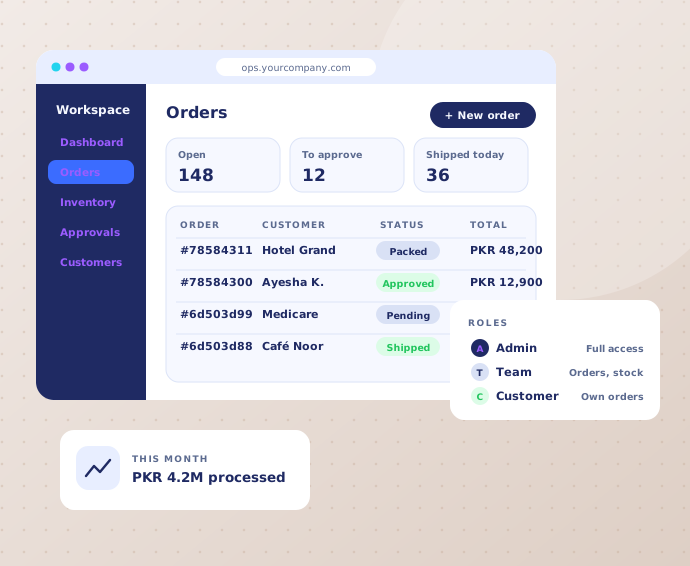
What’s included
Choose the pieces your team needs. Everything in scope is listed before we start.
Tell us your idea ↗Live numbers that help you decide.
Manage orders, users, stock and content.
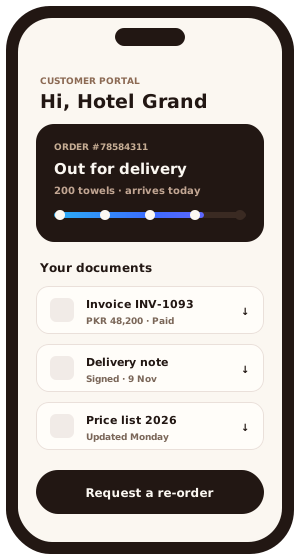
Let customers track, download and request.
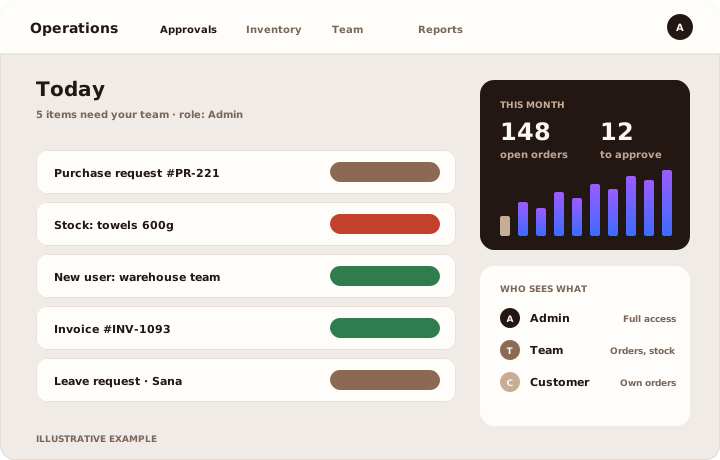
Everyone sees what they need, nothing more.
Connected to the tools you already use.
Approvals, tasks and records in one place.
In practice
A good web application shows each person exactly what they need: the admin, the team and the customer.
Illustrative interface
Who it’s for
We learn how your team works first. Then you get a written scope and a price before we write any code.
A clickable prototype of your main screens and a written scope you can approve.
We built our own e-commerce SaaS dashboard: orders, couriers and true profit in one place.
See our own SaaS ↗What it looks like
One is our own product, running every day. The other two show the kind of tools we build for teams and their customers.
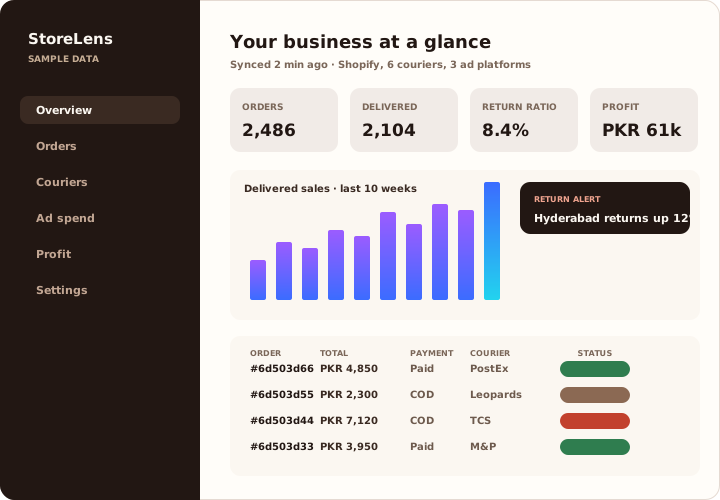
Where our advice comes from. We build and run our own e-commerce SaaS. We have felt what slow, disconnected software costs a business, and that shapes what we recommend to you.
The honest version
If a ready-made tool does the job, we will tell you to use it. Custom software is worth it in three situations:
Your team keeps a spreadsheet next to the software, because the software cannot do what you actually do.
Monthly fees grow with every new person, for features nobody uses.
The same details are typed into three systems, and mistakes creep in every time.
What we build
Most custom software is one of these, or two of them joined together.
Customers log in to track orders, download invoices and request work, without calling you.
One screen for the jobs your team does every day: approvals, stock, bookings or dispatch.
The spreadsheet everyone shares, turned into a proper system with rules, history and backups.
Customers, orders, jobs and money in one place, shaped around how you actually sell and deliver.
Your existing tools connected, so information moves on its own instead of being retyped.
Before the build
Good software starts with the data, not the screens. Get these right and everything else is easier to build and to change later.
How we work
Three clear steps, with a prototype to try before the full build.
We follow how your team does the job today, spreadsheets included.
You click through the main screens and approve the scope and price.
We build in stages, test with your team and train them to use it.
Questions
Often you should. We recommend custom work only when existing tools force your team into slow workarounds.
Ownership, access and handover are agreed in writing before development starts.
Yes. We plan a focused first release and structure the code so new features can be added.
You are not stuck. The code, hosting and accounts are in your name, and we hand over clear notes so any developer can carry on.
A focused first version usually takes weeks, not months. We agree the timeline in writing before we start, then build in stages you can try.
Yes. We can build one part, review what exists, or work alongside your team on a shared plan.
Connected services
Your next step
Tell us what you need. You get a clear first step and a price.